Android app
AIROX Connect
AIRUX on your phone: talk to AIRA, share files, use the Task Manager.
Preview build (debug-signed). A signed release build will replace it.
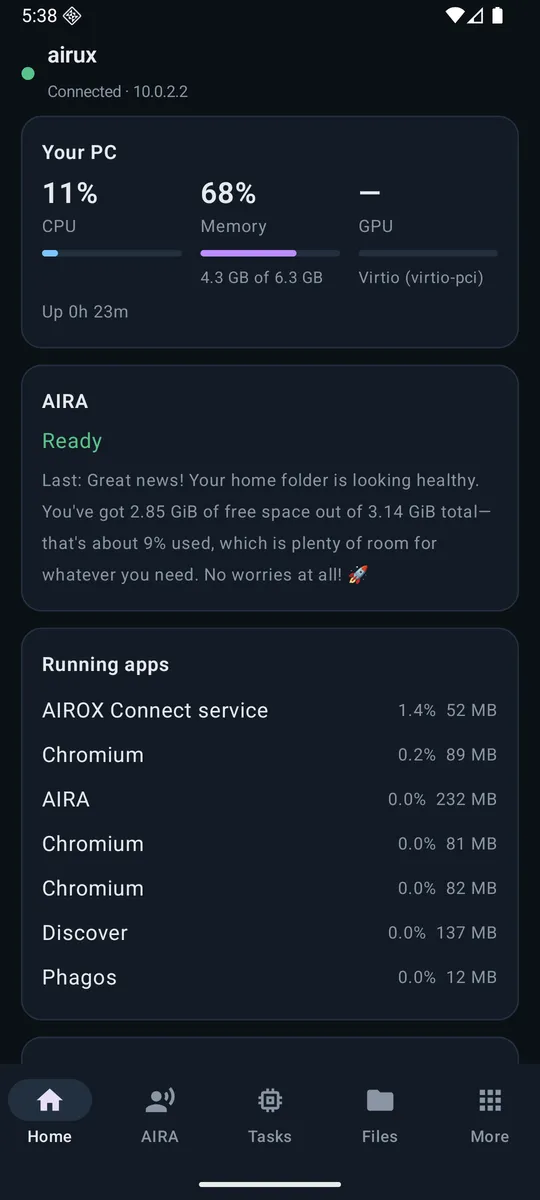
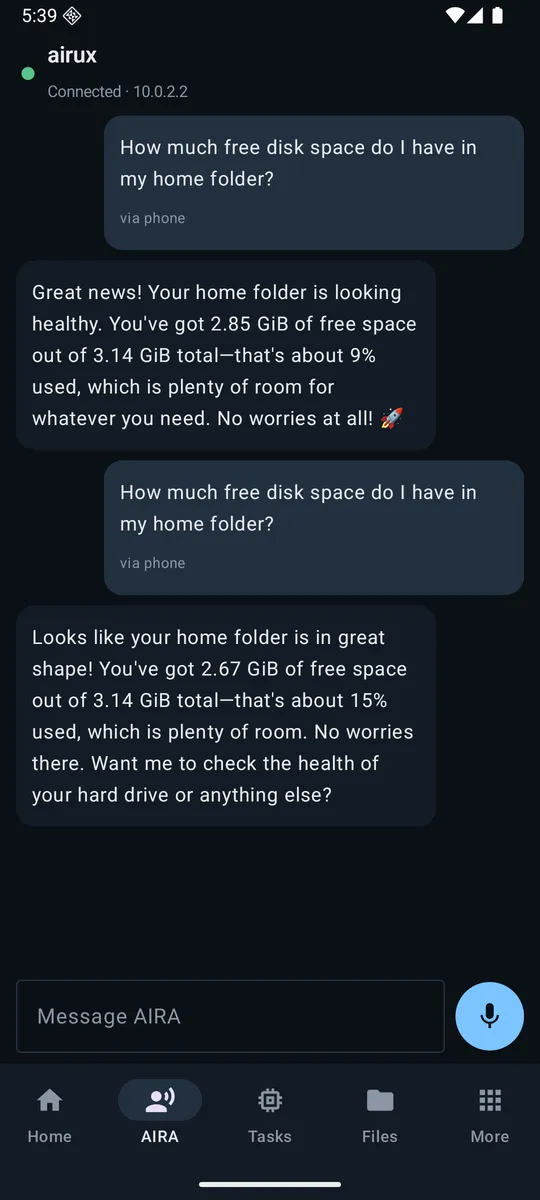
c34784bc6e4e3fb761f048c040e0fe2b8075631afa8829ed4a7fd99f4c84b82cAIROX Connect pairs your Android phone or tablet with your AIRUX PC by QR code, on the same network. Talk to AIRA by text or voice, see running apps and what AIRA is doing, send files and media both ways, and use the phone as a touchpad, remote or second screen. It is encrypted to your PC's own certificate, and every action passes AIRA's permission broker: risky ones are approved on the phone.
What you need
- Android 10 or newer, on a phone or tablet.
- A PC running AIRUX on the same network (Wi-Fi or Ethernet).
- On AIRUX it is also in the AIROX Connect window: "Share the app" shows a QR code to download it from the PC.
Talk to AIRA
By text or voice; she answers on the phone in her own voice.
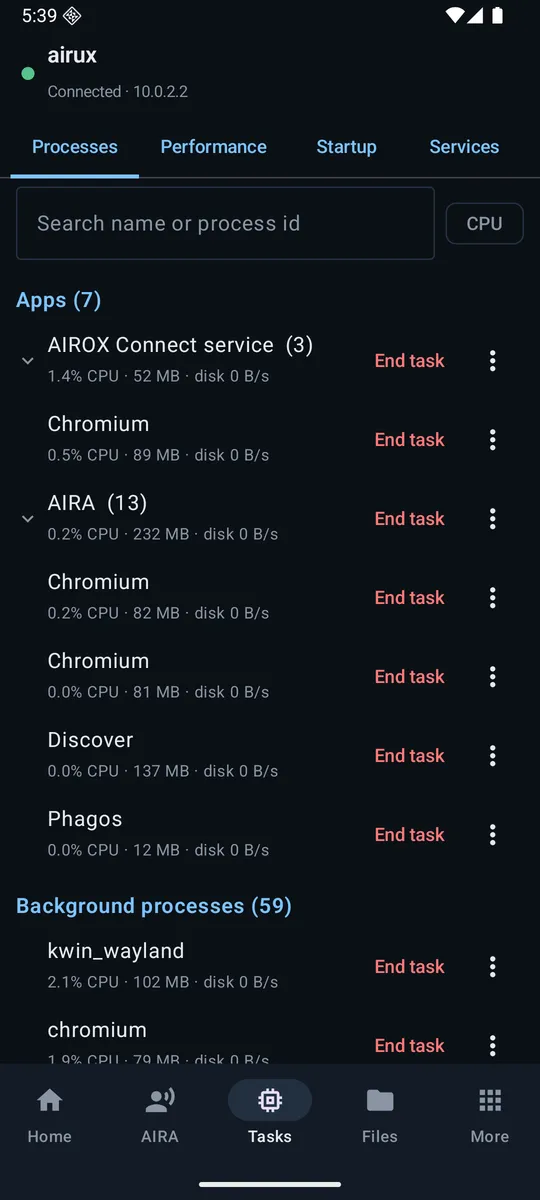
See what is running
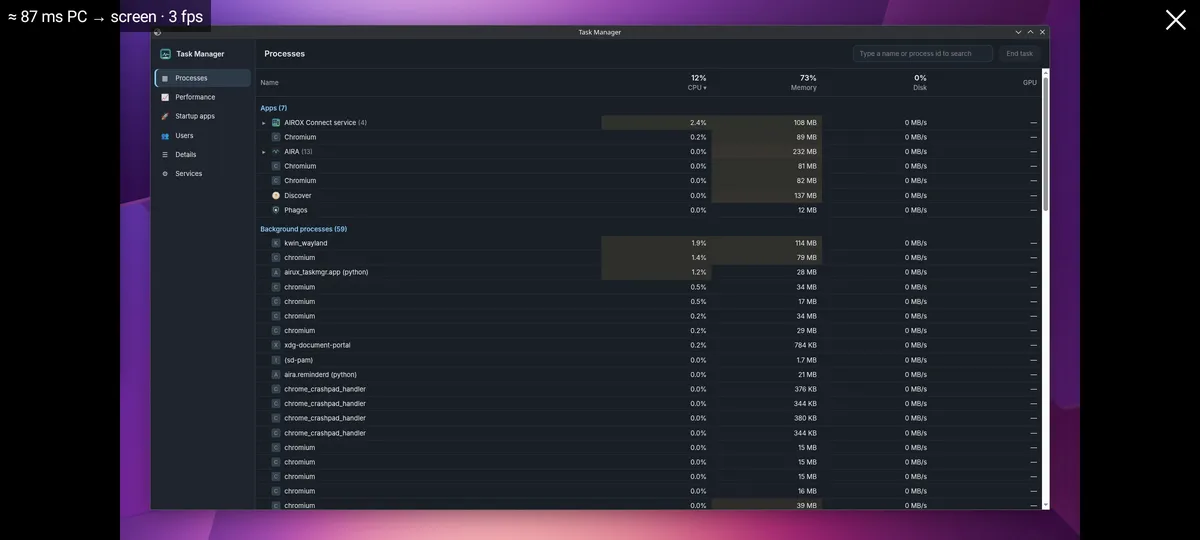
Running apps, what AIRA is doing, and the Task Manager with processes and performance.
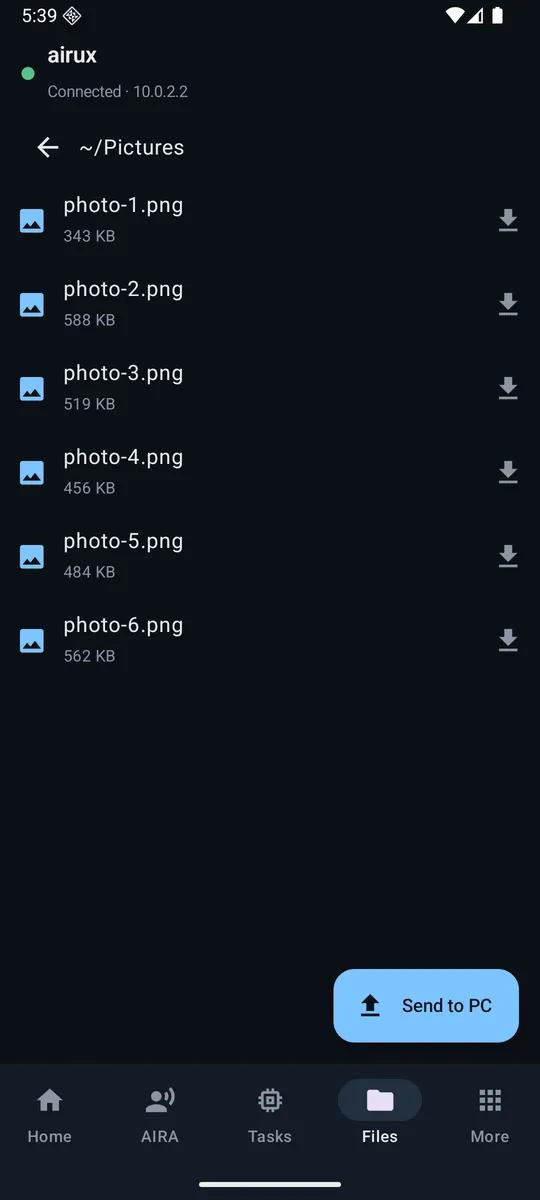
Share anything
Files and media both ways, the clipboard and links.
Control the PC
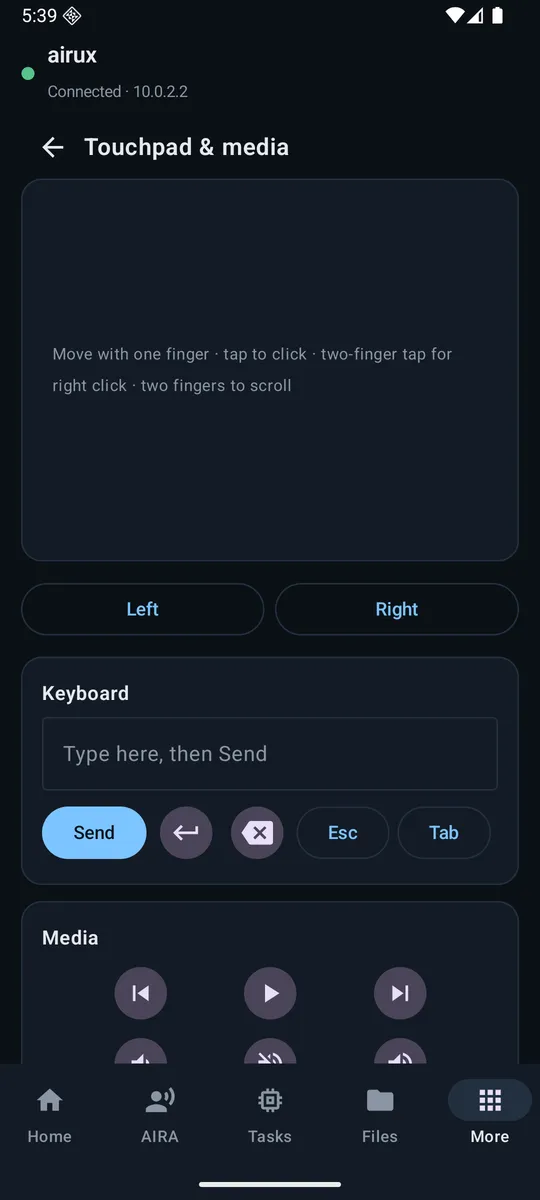
Touchpad, keyboard, media remote, glance at the screen; lock, sleep or wake the PC.
A second screen
Make the phone or tablet an extra display with touch.
Safe by design
Encrypted to your PC's certificate; risky actions are approved on the phone.
Install and pair
- Download the APK on your phone and open it.
- Android asks to allow installing apps from your browser: allow it for this install.
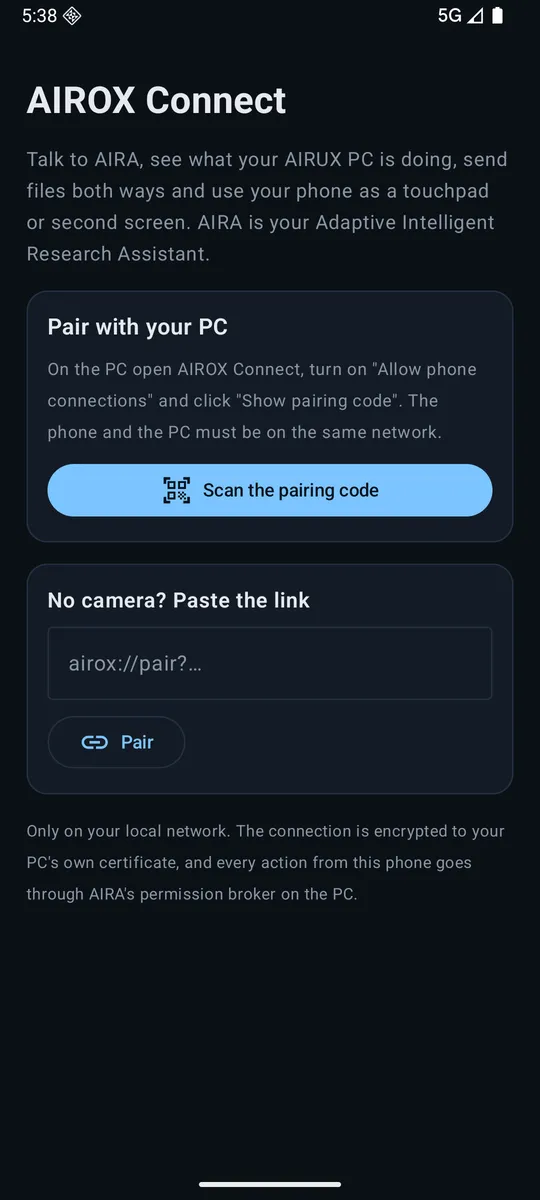
- In the app, tap Scan the pairing code.
- On the PC, open the AIROX Connect window, click Show pairing code and scan it. The code works once, for two minutes.
- Click Allow on the PC. Your phone is paired.
Screenshots